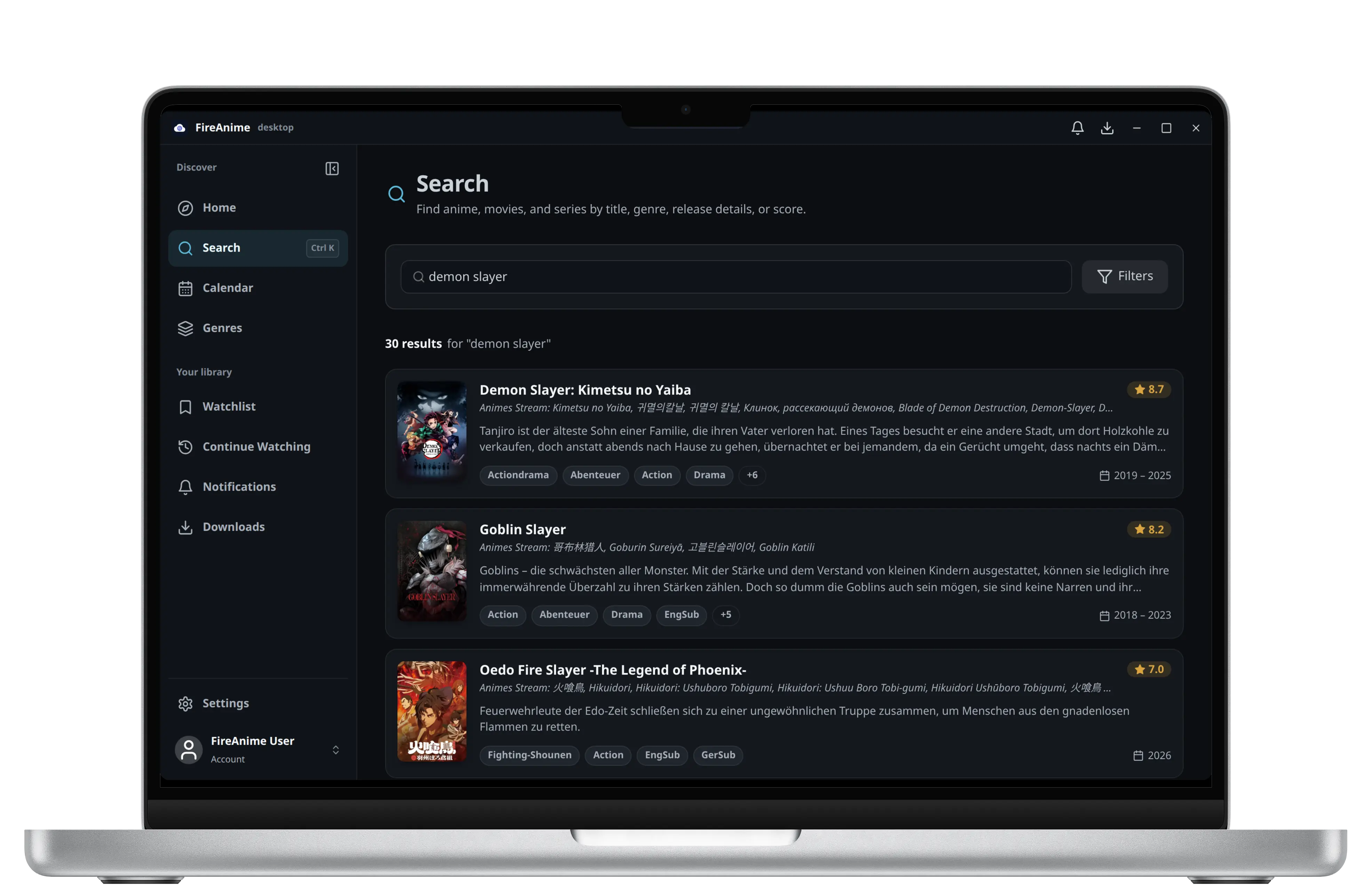
Mehr Raum für Suche und Entdeckung
Modernes Desktop-Interface
Genieße eine Benutzeroberfläche, die speziell für große Bildschirme optimiert wurde. Schnellere Navigation, intuitive Bedienung und alles Wichtige auf einen Blick.
FireAnime für Desktopv—
Die native FireAnime-Erfahrung für Windows und Linux. Schneller, stabiler und mit Discord Rich Presence. macOS folgt.
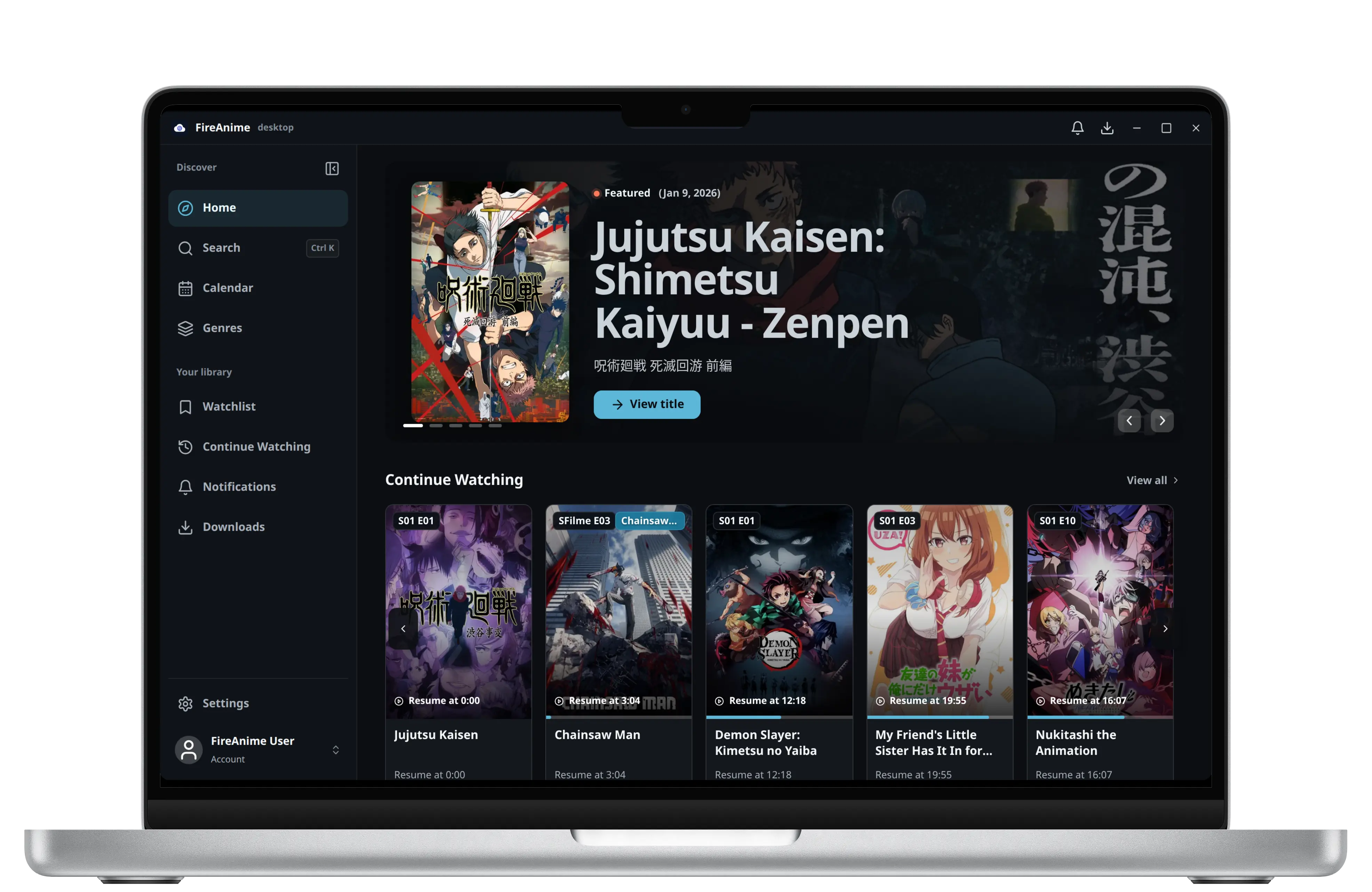
Für den großen Bildschirm gebaut.
Mehr Raum für Suche und Entdeckung
Genieße eine Benutzeroberfläche, die speziell für große Bildschirme optimiert wurde. Schnellere Navigation, intuitive Bedienung und alles Wichtige auf einen Blick.
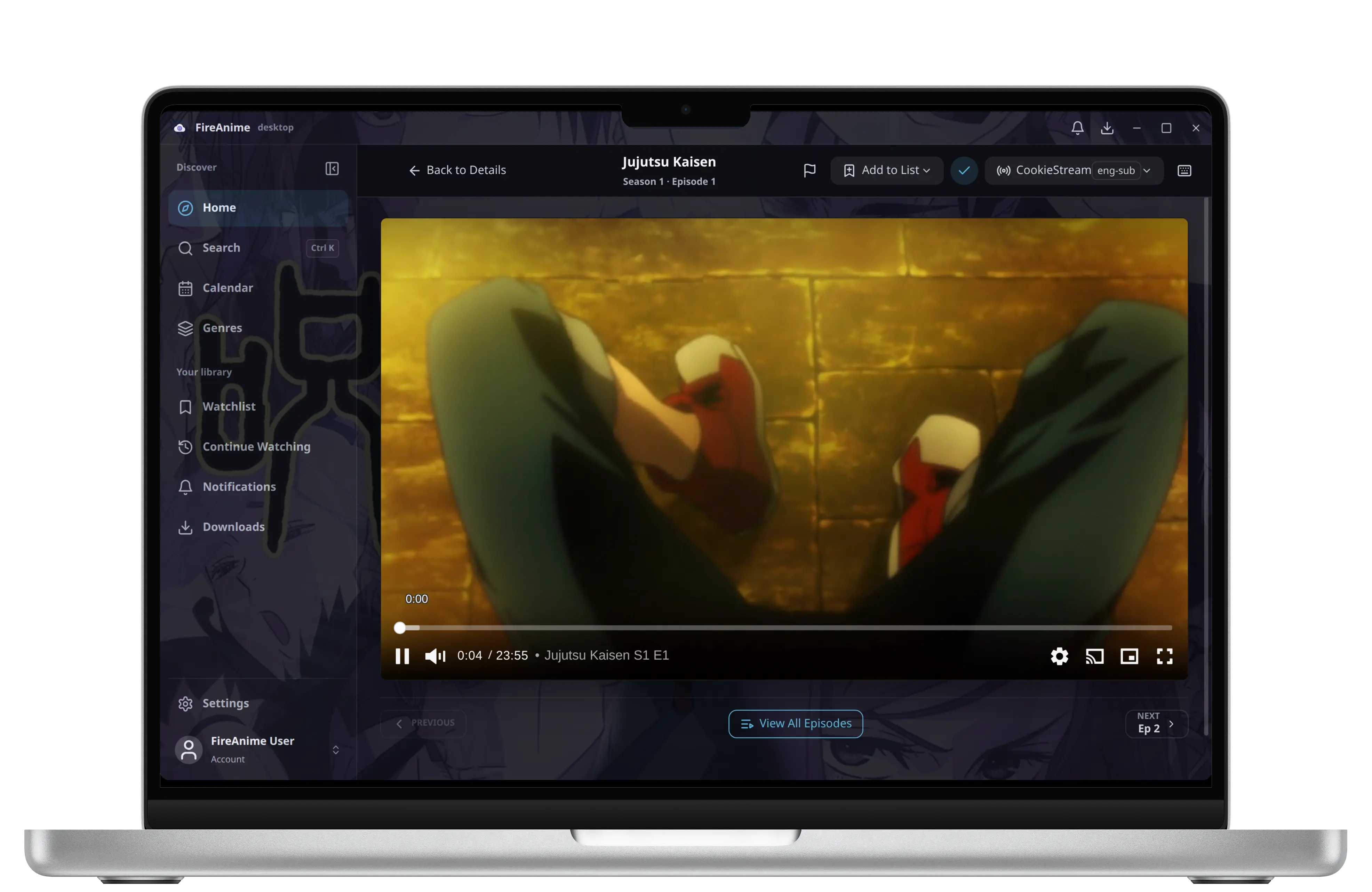
Die Episode bleibt im Fokus
Unser optimierter Videoplayer in der Desktop-App lädt Streams deutlich schneller und bietet eine stabilere Wiedergabe, selbst bei hoher Bitrate.
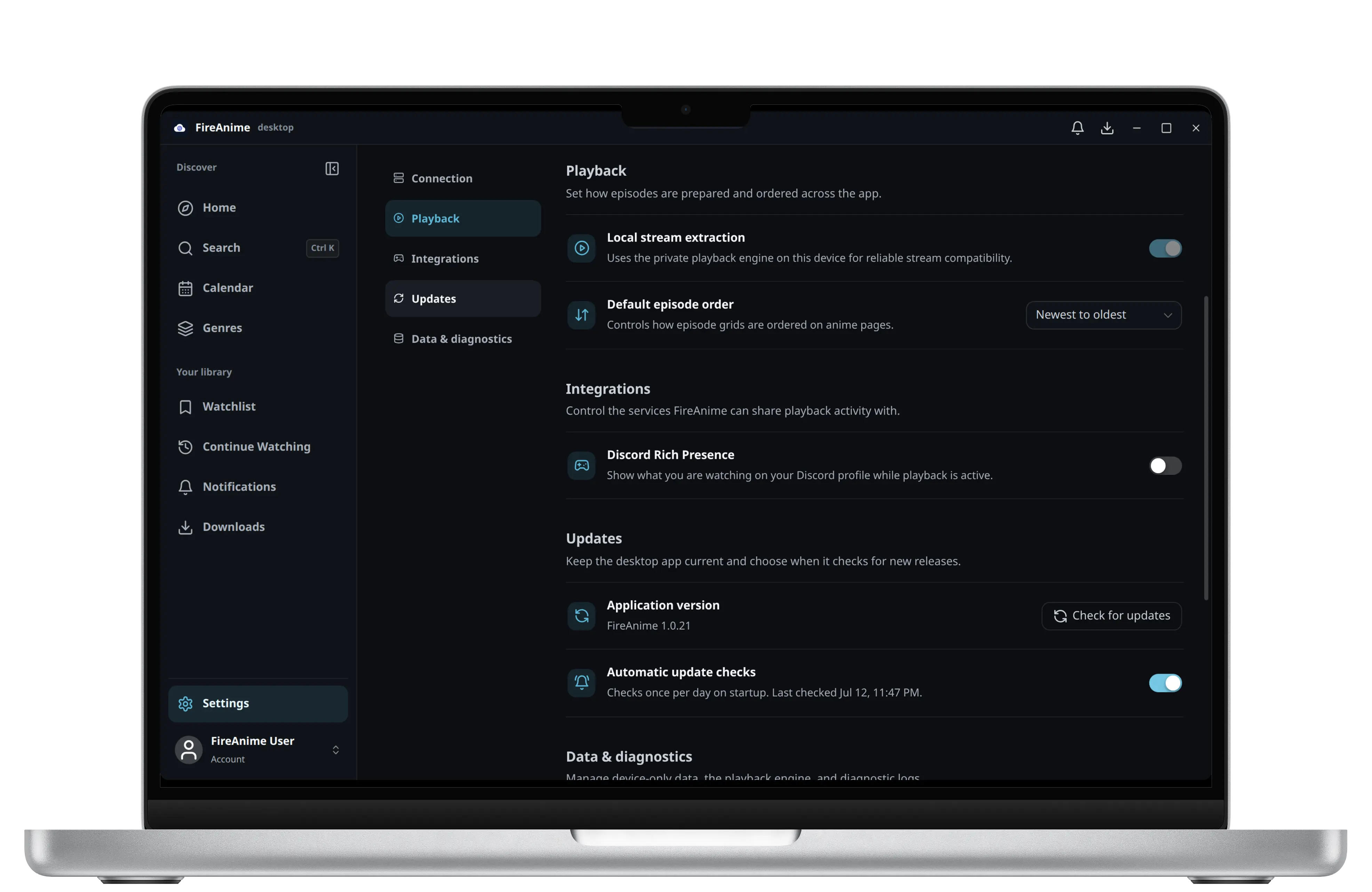
Hardware, System und Discord im Zusammenspiel
Profitiere von einer tieferen Integration in dein Betriebssystem, inklusive besserer Hardware-Beschleunigung und nativer Benachrichtigungen.
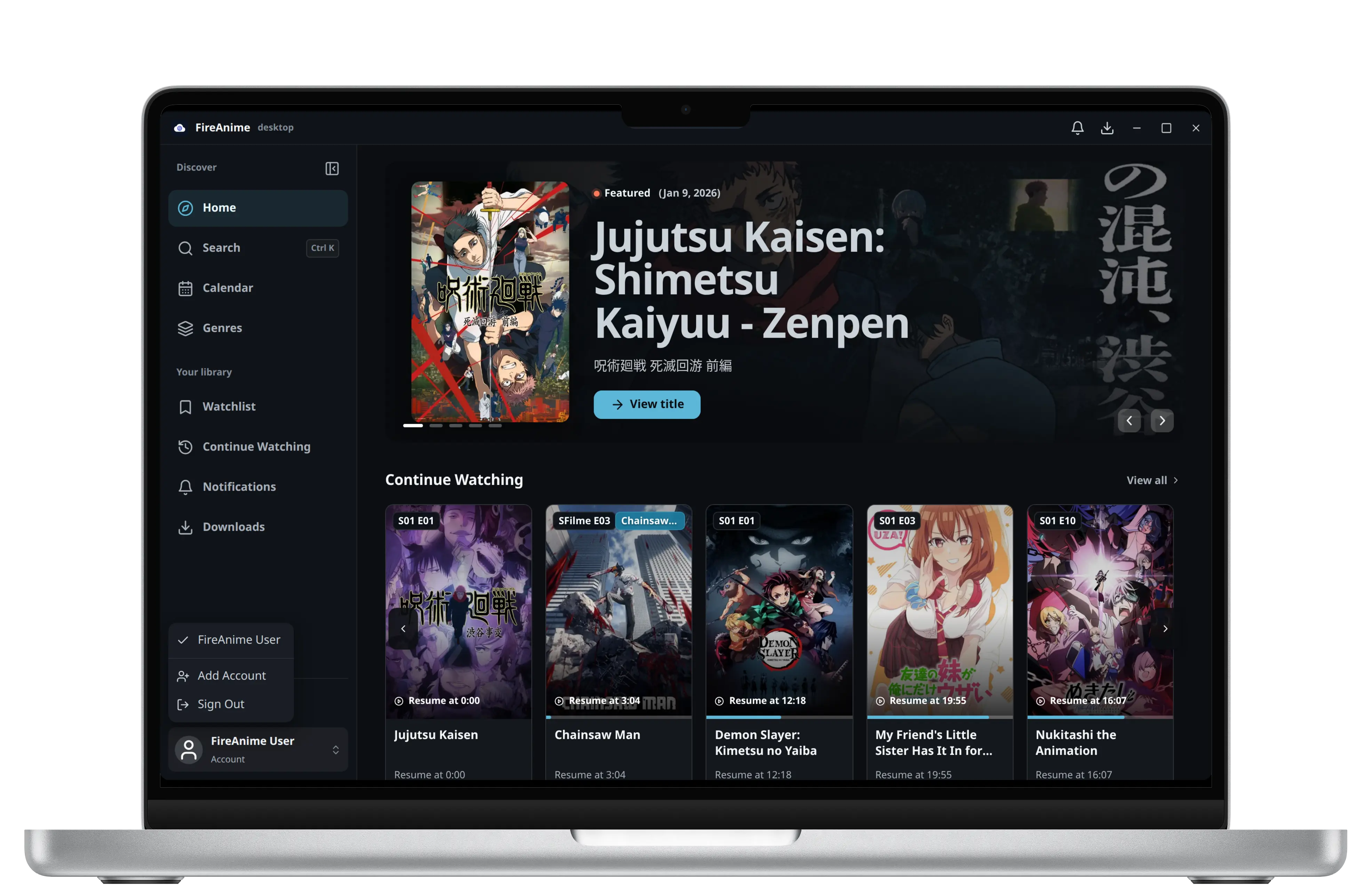
Profile wechseln, ohne neu anzufangen
Verwalte mehrere Profile gleichzeitig und wechsle ohne Verzögerung zwischen deinen Accounts.
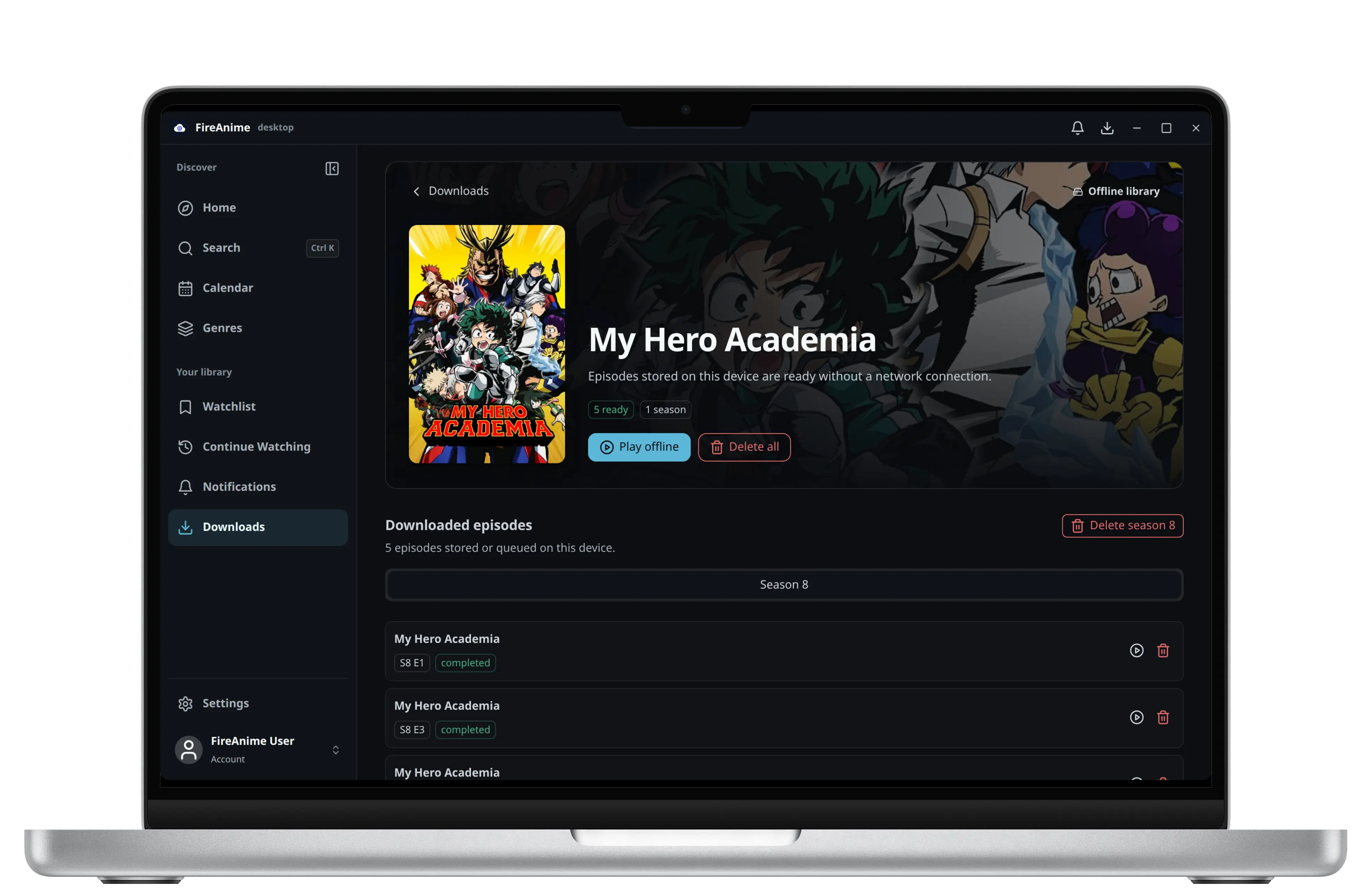
Deine Folgen, auch ohne Verbindung
Lade deine Lieblings-Animes direkt auf deinen PC herunter und genieße sie jederzeit, auch ohne Internetverbindung. Perfekt für unterwegs oder instabile Leitungen.
Mehr als ein Browser-Tab
Häufig gestellte Fragen
Gib dieselbe Adresse ein, mit der du FireAnime in deinem Webbrowser öffnest.
Nutze die Adresse der Hauptwebseite. Füge weder /api noch einen anderen Pfad hinzu.https://fireani.meNein. Die meisten Nutzer sollten die Adresse der offiziellen FireAnime-Webseite verwenden. Nutze nur dann eine andere Adresse, wenn du FireAnime selbst hostest oder sie von einem Administrator erhalten hast.
Nein. Die Desktop App verbindet sich mit der FireAnime-Hauptwebseite. Die Jellyfin-Kompatibilitätsadresse ist ausschließlich für native Jellyfin-Clients gedacht.
Ja. Öffne in der Desktop App die Einstellungen, gehe zu Verbindung und ändere dort bei Bedarf die Serveradresse.
Aktuelle Desktop-Version
Wähle deine Plattform und starte das ultimative Streaming-Erlebnis.
Bereit für deinen Rechner
Für Windows 10 & 11
AppImage, Deb & RPM
In Entwicklung für Intel & Apple Silicon