Fernbedienung zuerst
Große Ziele, klare Richtungsnavigation und sichtbare aktive Zustände machen das Browsen mit dem D-Pad angenehm.
Die FireAnime Experience für Android TV, optimiert für Fernbedienung, große Cover und fokussiertes Streaming.
Bereit für Android TV & Google TV VERSION 1.0.14
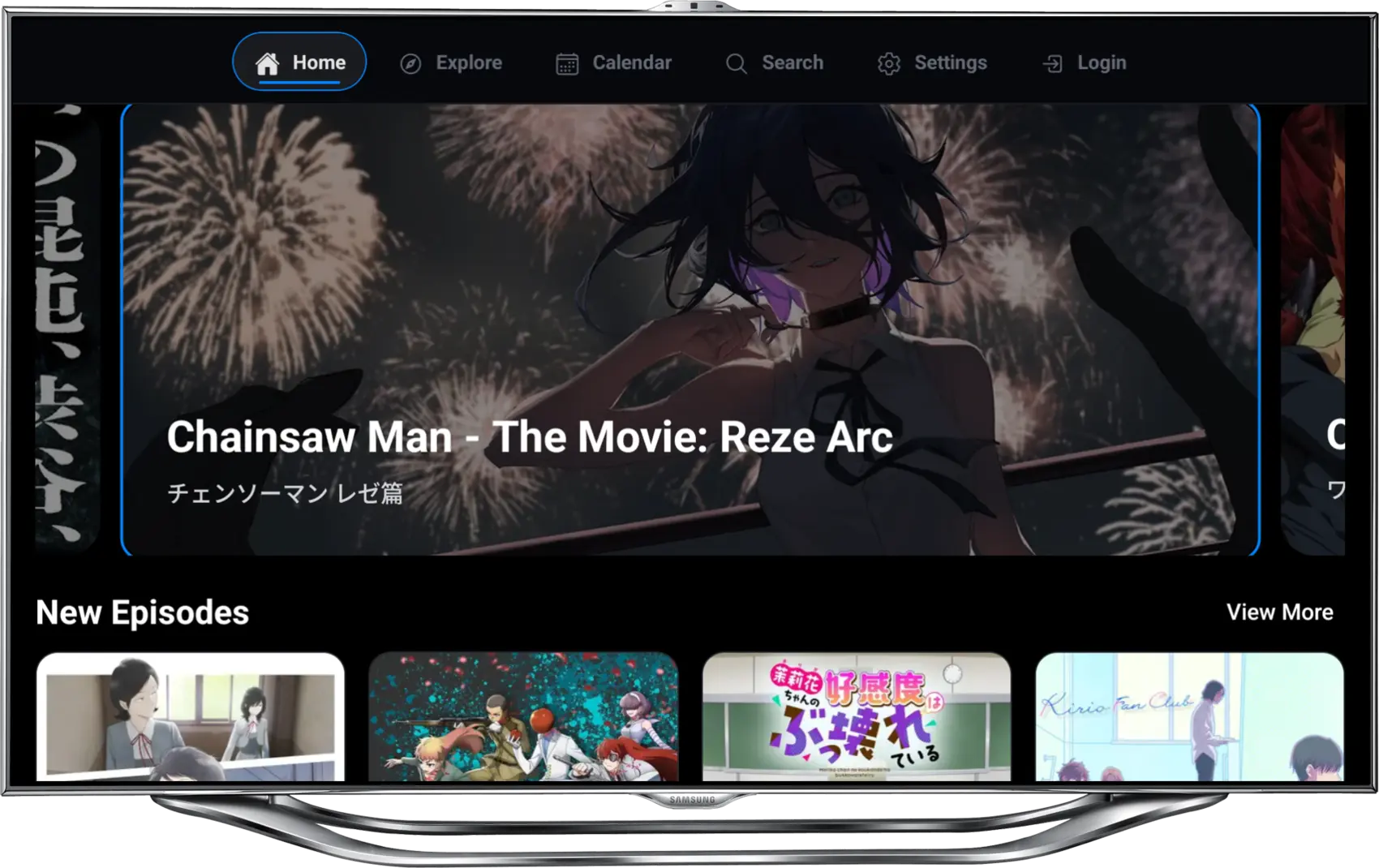
Android TV App
Die TV App behält Bibliothek und Account-Erlebnis bei, richtet Navigation aber auf Fokuszustände, Reihen und einen Vollbild-Player aus.
Vier Richtungen. Ein klarer Fokus.
Große Ziele, klare Richtungsnavigation und sichtbare aktive Zustände machen das Browsen mit dem D-Pad angenehm.
Cover-Reihen, Episoden-Karten und Details sind für TV Distanz skaliert, damit die Oberfläche schnell erfassbar bleibt.
Der Player ist auf ungestörtes Schauen, schnellen Episodenzugriff und dezente Bedienelemente ausgelegt.
TV-Oberfläche in Aktion
Wechsle durch die Oberfläche – genau so, wie sie auf deinem Fernseher erscheint: von der Suche bis zum Play-Button.
Ansicht wählen
Start-Reihen, trendende Anime, neue Episoden und Suche sind für schnelle Navigation per Fernbedienung angeordnet.
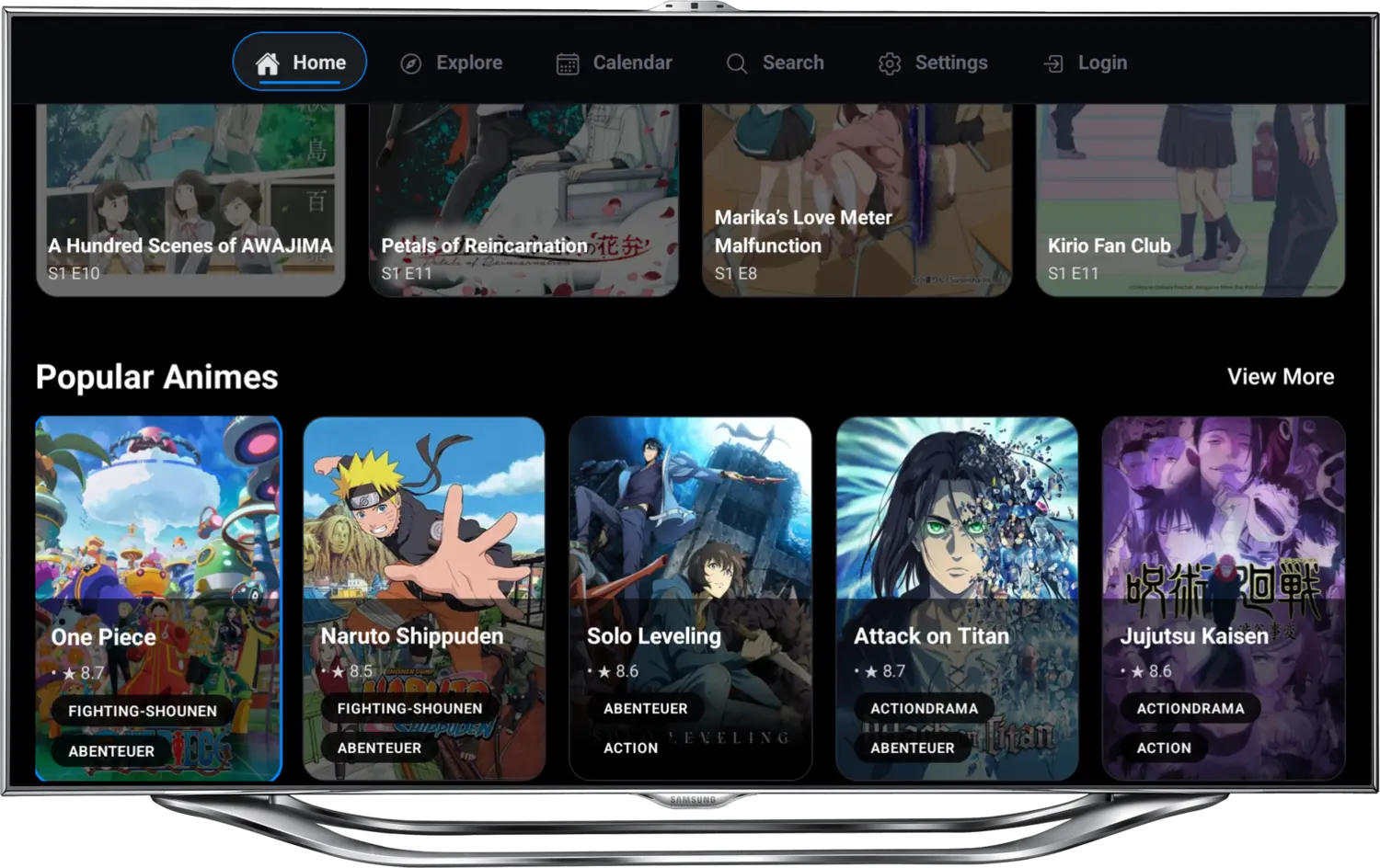
Installiere die TV-App für die Bedienung mit deiner Fernbedienung. Wähle die TV-APK, nicht die Handy-App.
Für Android TV Boxen, Fernseher und kompatible Google TV Geräte.
Direkter APK-DownloadDie bestehende Android App bleibt für Smartphones und Tablets mit Offline-Downloads verfügbar.