FireAnime TVwebOS

Für LG webOS entwickelt
FireAnime TV, jetzt zu Hause auf webOS.
Eine komplett eigenständige TV-App, entwickelt rund um LG-Fernseher, die Magic Remote und fokussiertes Streaming im Wohnzimmer.
LG: modernes oder Legacy-IPK erforderlichDas richtige Paket wählen und aktualisieren
Für LG-Fernseher mit webOS 24–26Version 1.0.0
LG / webOS 1920 × 1080
Plattform-Kompatibilität
Für aktuelle LG-Fernseher optimiert.
Das Standardpaket integriert sich direkt in die aktuelle webOS-TV-Plattform. Ein separater Kompatibilitäts-Build unterstützt zusätzlich frühere Fernseher.
Bewusst eigenständig
Jede Interaktion gehört auf webOS.
Navigation, Wiedergabe, Kontodaten und App-Lebenszyklus bilden ein zusammenhängendes Erlebnis, das gezielt für LG-Fernseher gestaltet wurde.
01
Magic Remote, auf beide Arten
Steuere natürlich mit dem Zeiger oder mit Pfeiltasten und OK. Klare Fokuszustände halten jede Reihe, jedes Raster, jeden Dialog und alle Player-Bedienelemente erreichbar.
02
Native MP4- und HLS-Wiedergabe
Ein eigener HTML5-Player nutzt die webOS-Medienpipeline für direkte Videos und adaptive HLS-Streams – inklusive Spulen, Quellenwechsel und Episodensteuerung.
03
Deine Bibliothek bleibt synchron
Merkliste, Abos und Wiedergabefortschritt folgen deinem Konto. Auf unterstützten Fernsehern werden Sitzungstoken über LG Keymanager geschützt; Anmeldedaten werden nie gespeichert.
04
Bis ins Fundament eigenständig
React, Enact Spotlight und webOS-Dienste treiben eine dedizierte App mit nativer Zurück-Taste, korrektem Standby-Verhalten und Layouts in Fernsehgröße an.
In der App
Eine fokussierte Oberfläche für den ganzen Fernsehabend.
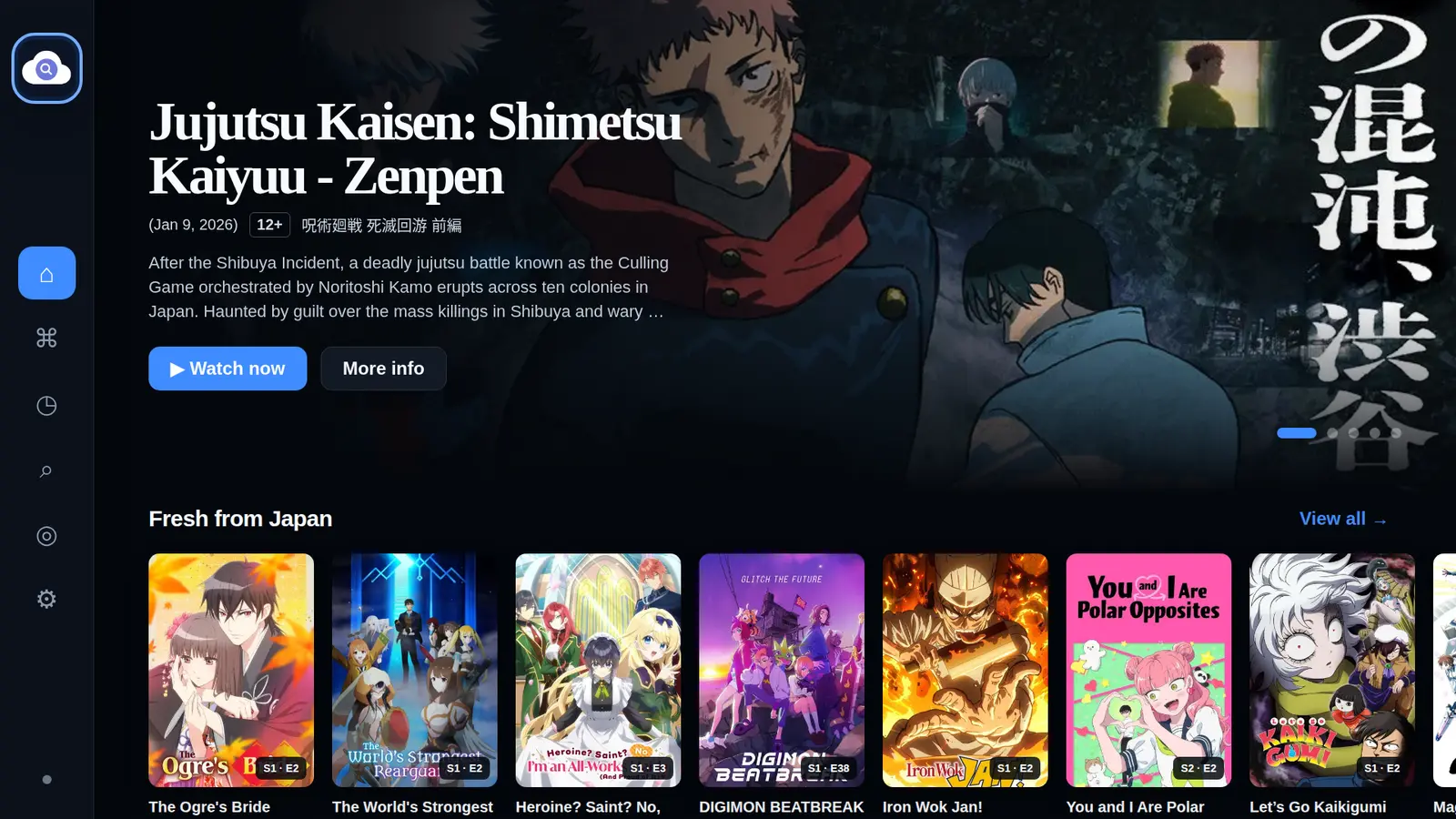
Wechsle von der Entdeckung über Details direkt zur Wiedergabe, ohne den fernbedienungsoptimierten Ablauf zu verlassen.
Startseite
Mach dort weiter, wo du aufgehört hast
Weiterschauen, neue Episoden, beliebte Anime und Wochen-Highlights bleiben vom Sofa aus gut lesbar und schnell erreichbar.Entwickler-Installation
FireAnime TV auf webOS sideloaden.
Wähle das moderne IPK für webOS 24–26 oder den separaten Legacy-Build für Fernseher mit webOS 4.x bis 23.
FireAnime TVwebOS / IPK
v1.0.0Modernes IPK herunterladenStandard · webOS 24–26Legacy-IPK herunterladenKompatibilitäts-Build · webOS 4.x bis 23
Wähle das zu deinem Fernseher passende Paket. Beide IPKs sind für die Installation im Entwicklermodus gedacht; Store-Installationen und Updates laufen später über den LG-Vertriebskanal.
Installation in drei Schritten
- 01
Aktiviere den Entwicklermodus auf dem Fernseher und verbinde ihn mit der webOS TV CLI.
- 02
Lade das IPK herunter und installiere es anschließend mit ares-install auf dem gekoppelten Fernseher.
- 03
Öffne FireAnime TV im LG-Launcher und melde dich über die Bildschirmtastatur an.